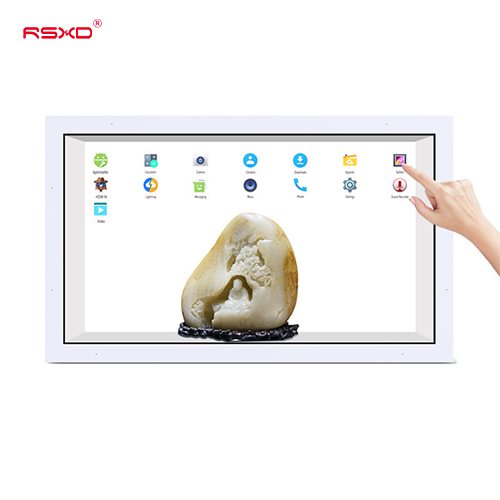
Transparent LCD Showcase
A transparent LCD display cabinet combines a physical object with digital labels, animation and brand storytelling.
Explore the configurationA design-led collection of commercial displays for retail, hospitality and cultural environments. Explore form, placement and content as one experience.
Compare the physical format, operating environment and content workflow. Build the specification around the way the display will be used.
View the collectionA transparent LCD display cabinet combines a physical object with digital labels, animation and brand storytelling.
Explore the configuration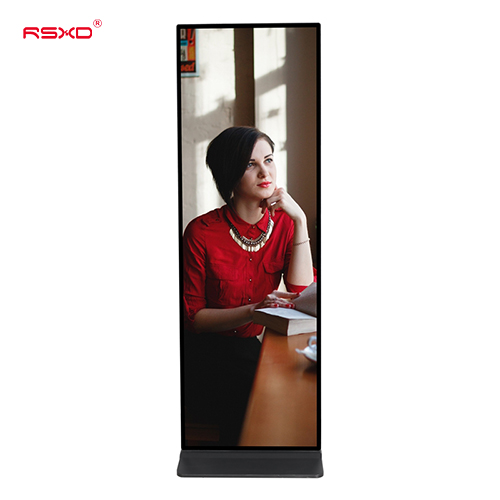
A slim visual format for full-height digital posters and brand communication in indoor commercial environments.
Explore the configuration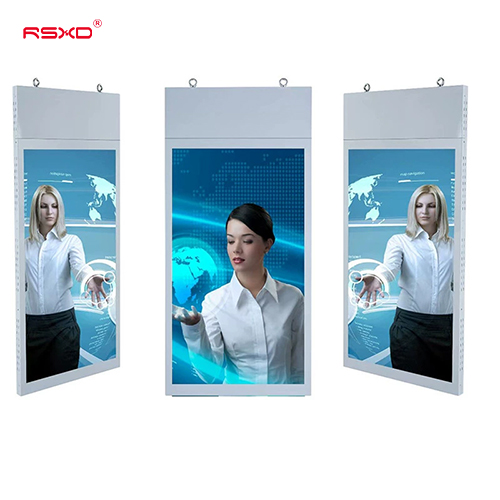
A suspended two-sided LCD format for retail entrances and commercial spaces viewed from opposite directions.
Explore the configuration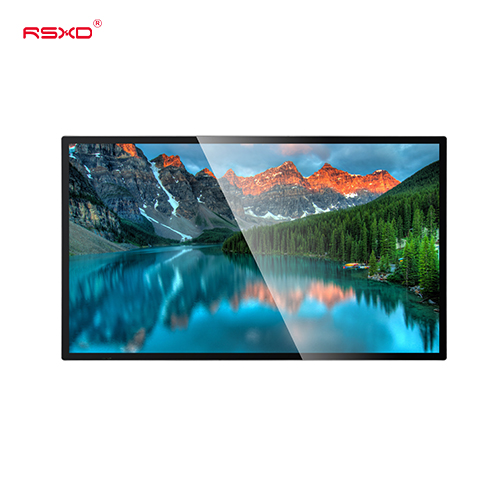
A commercial LCD display that places digital menus, promotions and information on the wall while keeping circulation space open.
Explore the configuration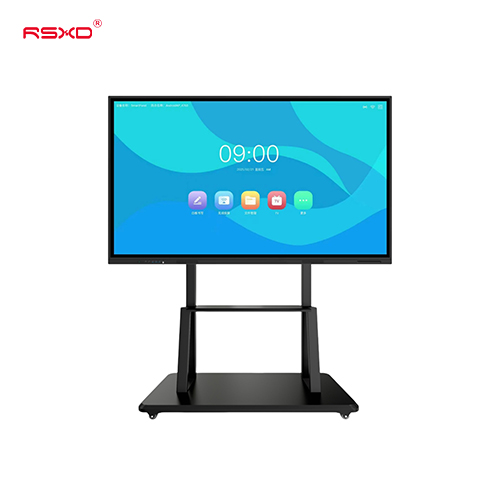
A large touchscreen platform for whiteboarding, shared content and collaborative work in classrooms and meeting rooms.
Explore the configuration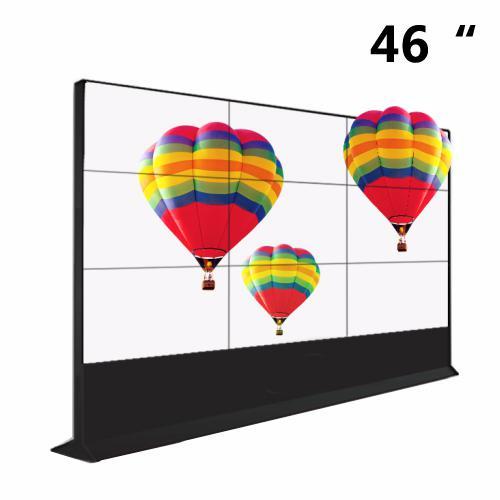
A modular LCD display wall for control rooms, presentation spaces and multi-screen commercial information.
Explore the configurationA display is part of a physical place and an operational workflow. Bring those requirements together early.
Check sightlines, ambient light, installation space, access and the operating environment.
Agree what people see or do, who updates the content and how hardware and software connect.
Approve drawings, model specifications, software scope and the installation and support responsibilities.
Explore planning considerations for common applications. These are deployment guides, rather than claims about completed customer projects.
Give products room to tell a story through carefully placed digital surfaces and physical objects.
Plan this applicationCreate calm, informative arrival spaces with considered welcome screens and digital information.
Plan this applicationCombine physical displays with digital explanation for galleries, museums and brand environments.
Plan this applicationA clear sequence reduces ambiguity between product selection, integration and site work.
Send location, quantity, use and available space.
Review the panel, system, enclosure and software scope.
Check drawings and a representative configuration.
Agree installation, content access and ongoing support.
Practical guides for specifying and operating your display project.
All resourcesPlan a premium digital display around the way people move, look and read within a commercial interior.
Use digital displays to support arrival, wayfinding and events while preserving a coherent hotel or hospitality interior.
Review a digital retail installation through customer experience, brand design, store operations and measurable acceptance.
Share the location, application and intended experience. We can review a configuration and the work needed to bring it into use.
Prepare a project inquiry